PRODUCT POSITION CHECK
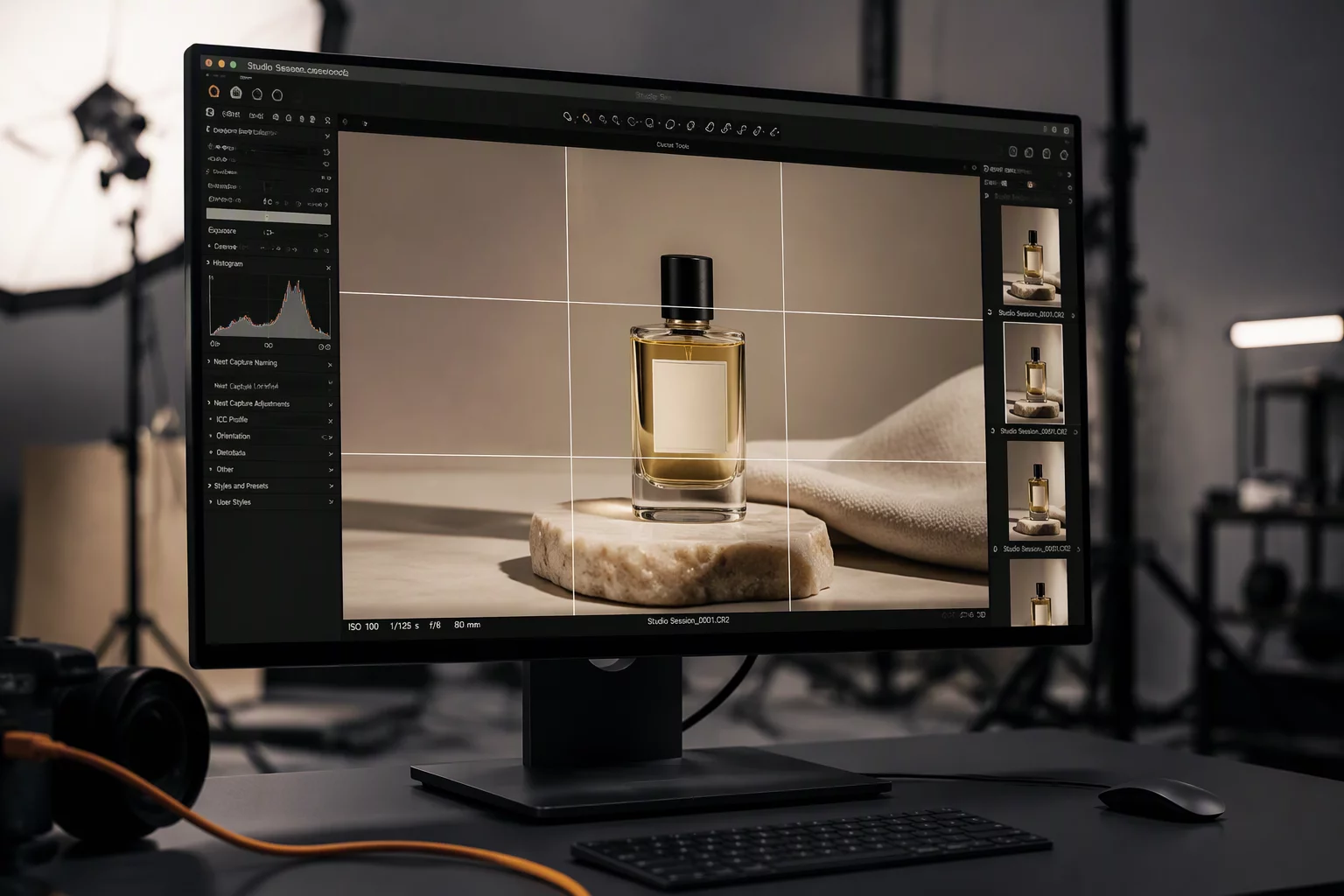
Establish precise tabletop registration, repeatable baseline angles, and digital overlay guides in Capture One to eliminate rotational variance across continuous multi-SKU e-commerce sets.
POSITION BENCHMARKS
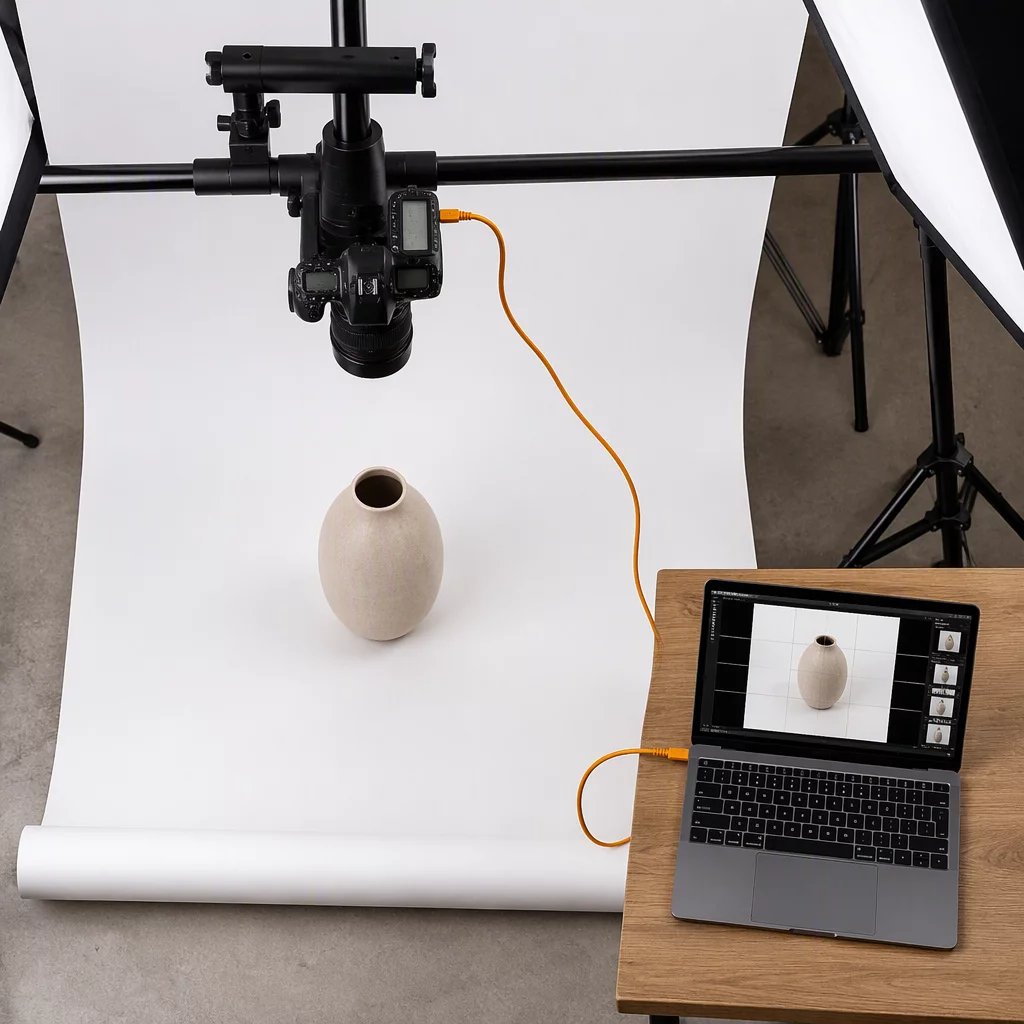
Apply this verification matrix on the initial capture of each product variant to lock physical staging lines, horizon pitch, and center-axis registration before continuous capture begins.
| Parameter Checkpoint | Standard Value & Criterion |
|---|---|
| Baseline Horizon Registration | Item base resting edge parallel to horizontal grid guidelines within 1 pixel across 1000px inspection span. |
| Primary Face Optical Alignment | Front branding label strictly perpendicular to lens axis at 90° ± 0.5° without visible keystoning. |
| Physical Staging Rigidity | Acrylic positioning stops or micro-tape base markers aligned flush with sweep paper guidelines. |
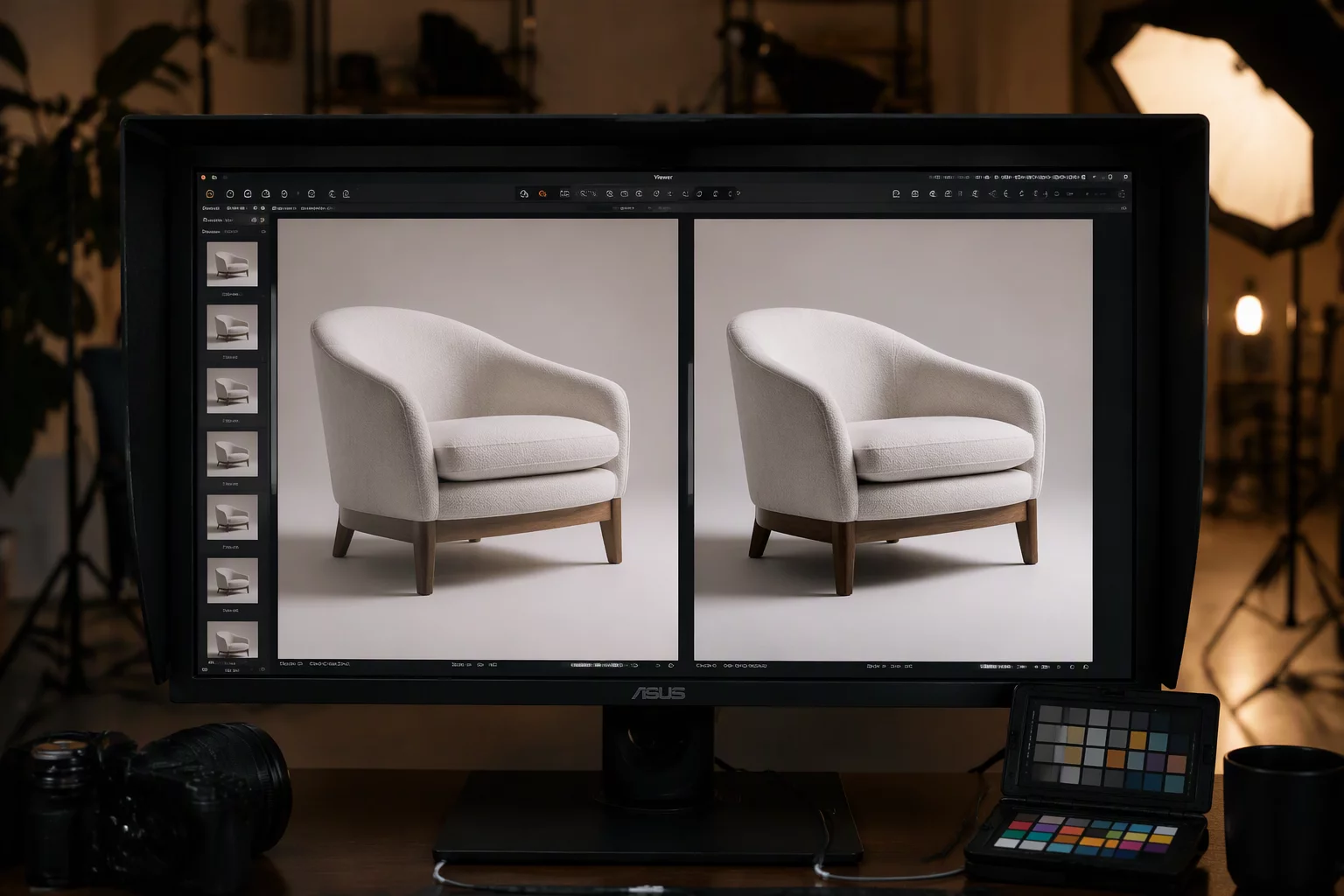
| Digital Overlay Verification | Capture One reference overlay engaged at 50% opacity verifying silhouette match to Master Hero SKU. |
| Shadow Margin & Clearance | Minimum 150px clearance maintained between cast shadow perimeter and output crop border. |
| Vertical Parallax & Tilt | Geared tripod head calibrated to neutral pitch, ensuring vertical package sidewalls remain strictly plumb. |
TABLETOP ALIGNMENT WORKFLOW
Standardizing physical object alignment during high-volume commercial shoots prevents costly post-production warping, cut-out misalignment, and layout discrepancies across catalog pages. Minor shifts of three millimeters on set multiply into noticeable jumps when catalog items are rendered alongside one another in digital storefront grids.
Digital techs and tabletop stylists must collaborate on the very first incoming capture of every product variation. Operators should lock tripod geared heads and verify that background paper or acrylic sweeps have not shifted under handling.
- Establish physical staging points using acrylic corner stops or laser guide markers on the staging sweep before cycling items.
- Enable live overlay or side-by-side comparison in the tethering software to check bottle or box shoulder lines against the approved hero shot.
- Check contact shadow boundaries and perspective falloff to ensure that elevation angles remain identical across every colorway.
Once position is validated, tag the reference frame with a green color mark in the tethered browser. Subsequent variants of the same product group must strictly adhere to these established baseline parameters.
COMMERCIAL SET QUESTIONS
CHECKPOINT COMPANIONS
Maintain rigorous capture consistency by pairing product positioning checks with complementary tether review checklists.