Tether Desk Active • Studio Hours: 08:00 - 20:00
OPERATIONAL PROTOCOL ARCHIVE CP-GUIDE-REF

FREQUENTLY ASKED QUESTIONS & ANSWERS

Find direct, field-tested answers to critical tethered workstation questions, cable power management, session directory structure, and image validation procedures.

Fieldbook Verified
|
Studio Tether Protocols
|
Real-Time Set Standards
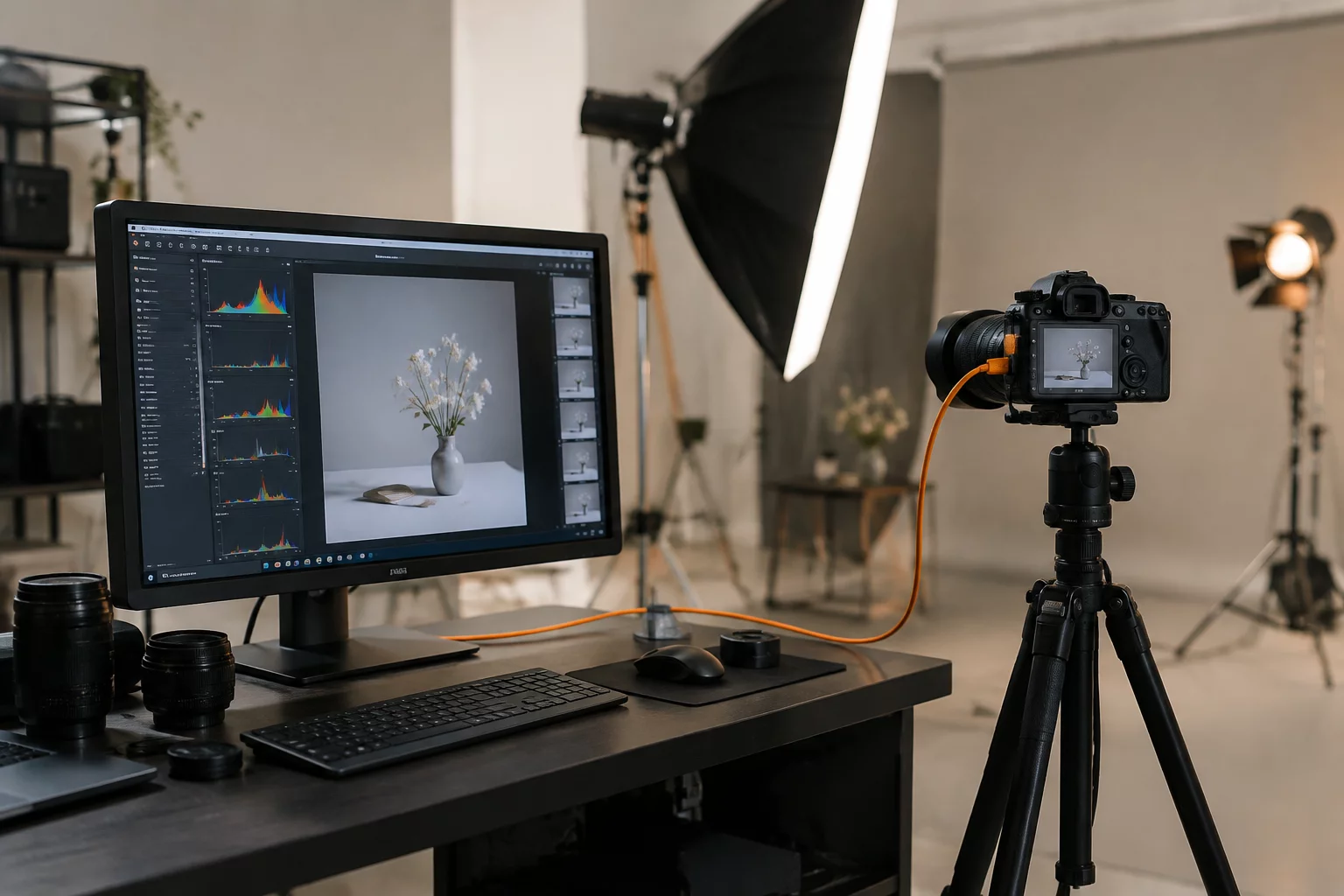
Fieldbook tethered verification workspace
Operational Knowledge Base

CAPTURE WORKFLOW ANSWERS

Get rapid troubleshooting steps, capture station requirements, and standards for the 5-point capture checkpoint system.

We mandate heavy-gauge USB-C active tether cables with maximum unpowered lengths of 15 feet (4.6m). When operating at distances up to 30 feet, an in-line powered active extension or core power injector must be stationed near the host machine to avoid protocol bus drops.

Always reinforce the connection at the camera port using a rigid cable management arm, cage clamp, or tether block. A dropped cable mid-capture damages camera circuit boards and halts continuous shoot momentum.

The sequence runs in strict order on the digital tech station as frames land: 1. Focus confirmation at 100% crop on the critical plane, 2. Composition and margin crop review, 3. Lighting exposure and shadow clipping verification, 4. Wardrobe, prop, and styling inspection, and 5. Directional decision on whether to lock the plate or modify lighting.

You can review the full breakdown inside our Capture One Tethered Checkpoints guide or download ready-to-run checklists under Tethered Checkpoints.

Sessions are the universal standard for commercial studio production. Sessions operate independently on the file system via structured Capture, Selects, Output, and Trash directories, making end-of-day disk handoffs direct, fast, and crash-resilient.

Catalogs are suitable for post-production archiving and multi-season libraries, but they present unnecessary single-point-of-failure risks when writing hundreds of heavy RAW captures per hour.

Follow the rapid hardware isolation protocol: 1. Disconnect the USB-C cable from the computer port, 2. Power cycle the camera body completely, 3. Re-plug into an alternate Thunderbolt bus port on the workstation, and 4. Verify system camera permissions in OS settings.

Never pull cables from the camera body before turning the power switch off, as this can corrupt writing buffers on internal backup cards.

The primary photographer and art director make the final creative call, but the digital capture tech acts as the technical gatekeeper. The tech confirms that focus, color rendition, and dynamic range meet prepress/retouch standards before the set moves forward to the next lighting setup.

Every lighting transition requires an initial frame capturing a standardized 24-patch color reference chart positioned on the subject plane. The digital tech creates a custom white balance and ICC response curve applied immediately to capture presets.

To standardize studio terminology and profile calibrations across assistants, explore our definitions in the Fieldbook Glossary.

No matching questions found

Try typing a different keyword or resetting your category filter.

Need Dedicated Production Support?

CUSTOM TETHER RIGS & ON-SET TECH OPERATORS

Need specialized workflow training or a digital tech team for your next commercial campaign? Connect with our station leads.