Tethered Session Setup Standard
Rigorous workstation verification, high-speed cable handshake, session folder routing, and camera connection stability for commercial capture environments.
Core Tether Verification Grid
Systematic verification steps to complete prior to lighting testing and talent call, guaranteeing zero dropout during rapid capture sequences.
| Parameter Checkpoint | Standard Value & Criterion |
|---|---|
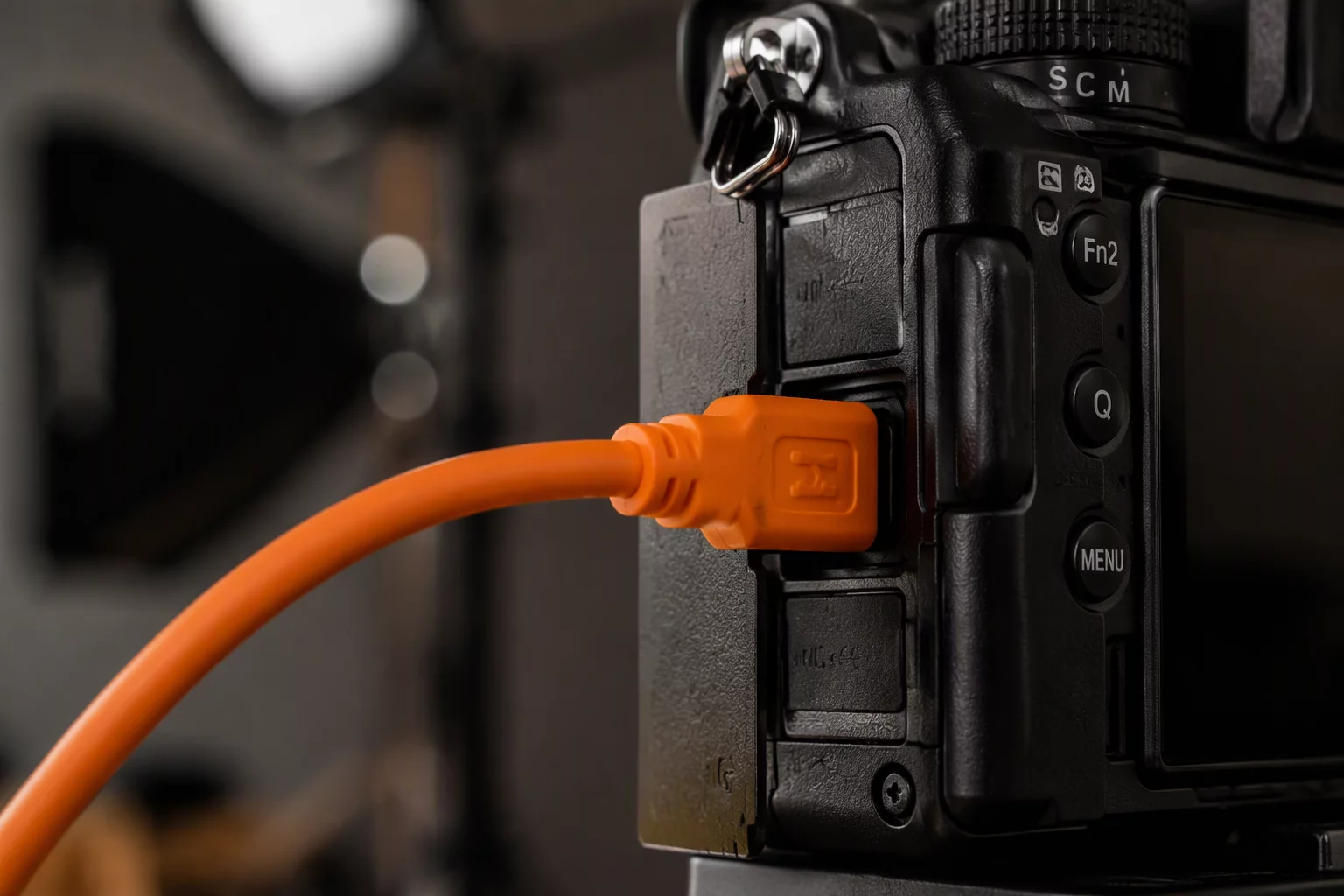
| Cable Securing & Strain Relief | Dual-point mechanical lock at camera cage and tether cart clamp; zero tension on camera USB-C female port. |
| Bus Power & Charging Protocol | Camera USB power supply set to OFF; independent internal high-capacity battery prevents laptop bus power dropouts. |
| Host Software Tether Engine | Active session configured with dedicated manufacturer driver (SDK); secondary studio tether listeners disabled. |
| Capture Folder Routing & Naming | [Date]_[Client]_[JobNumber]_[Look] token structure routing directly to local NVMe SSD workspace root. |
| Real-Time Mirroring & Backup | Background auto-sync cloning RAW incoming frames to high-speed external RAID 1 enclosure simultaneously. |
| Preview Generation & Color Profile | Preview cache size matched to native 4K display resolution (3840px); calibrated custom camera profile loaded. |
Rock-Solid Handshake & Signal Integrity
A failed tether connection halts production, disrupts talent pacing, and fractures client confidence. Studio photographers often mistake software glitches for application bugs when the true root cause lies in mechanical cable strain or port power fluctuation. Verifying mechanical stability prior to client arrival establishes an uninterrupted data stream across full shooting days.
High-resolution sensors generate uncompressed RAW files exceeding 60 to 120 megabytes per actuation. Without dedicated powered hubs or active optical cables over distances exceeding 15 feet, signal attenuation causes intermittent disconnections or corrupted frames during high-cadence bursts.
- Anchor cables with locking brackets on both camera body and laptop cart to eliminate physical torque on USB-C interfaces.
- Isolate capture drives to dedicated ultra-fast NVMe storage, keeping operating system caches and client display mirror on distinct buses.
- Fire a rigorous 25-frame rapid test burst into Capture One to confirm zero buffer bottlenecks before talent arrives on mark.
Once physical cable integrity and software routing pass inspection, lock camera settings to the designated studio profile. This disciplined baseline ensures every creative professional on set focuses strictly on framing, performance, and visual excellence without technical disruption.
Frequently Asked Setup Questions
Related Quality Control Protocols
Explore sequential workflow checks designed to maintain optical sharpness, framing accuracy, and lighting continuity throughout the shoot day.